
Sky & Atmosphere
Enjoy a custom blue sky and beautiful sunrise and sunset colours that bring a fresh atmosphere to your Minecraft adventures.
ATMOSPHERE
Discover Crownlight Shader, a bright and colourful visual experience designed to transform your Minecraft world. Explore atmospheric skies, living water, vibrant ores, and customisable shader settings.
Crownlight Shader aims to enhance the familiar Minecraft environment with vivid colours, atmospheric lighting, and immersive visual details. Its design focuses on a beautiful experience while keeping performance in mind. Actual performance depends on your hardware, Minecraft version, graphics settings, and shader support.
Drag the handle to see Vanilla Minecraft and Crownlight Shader side by side.
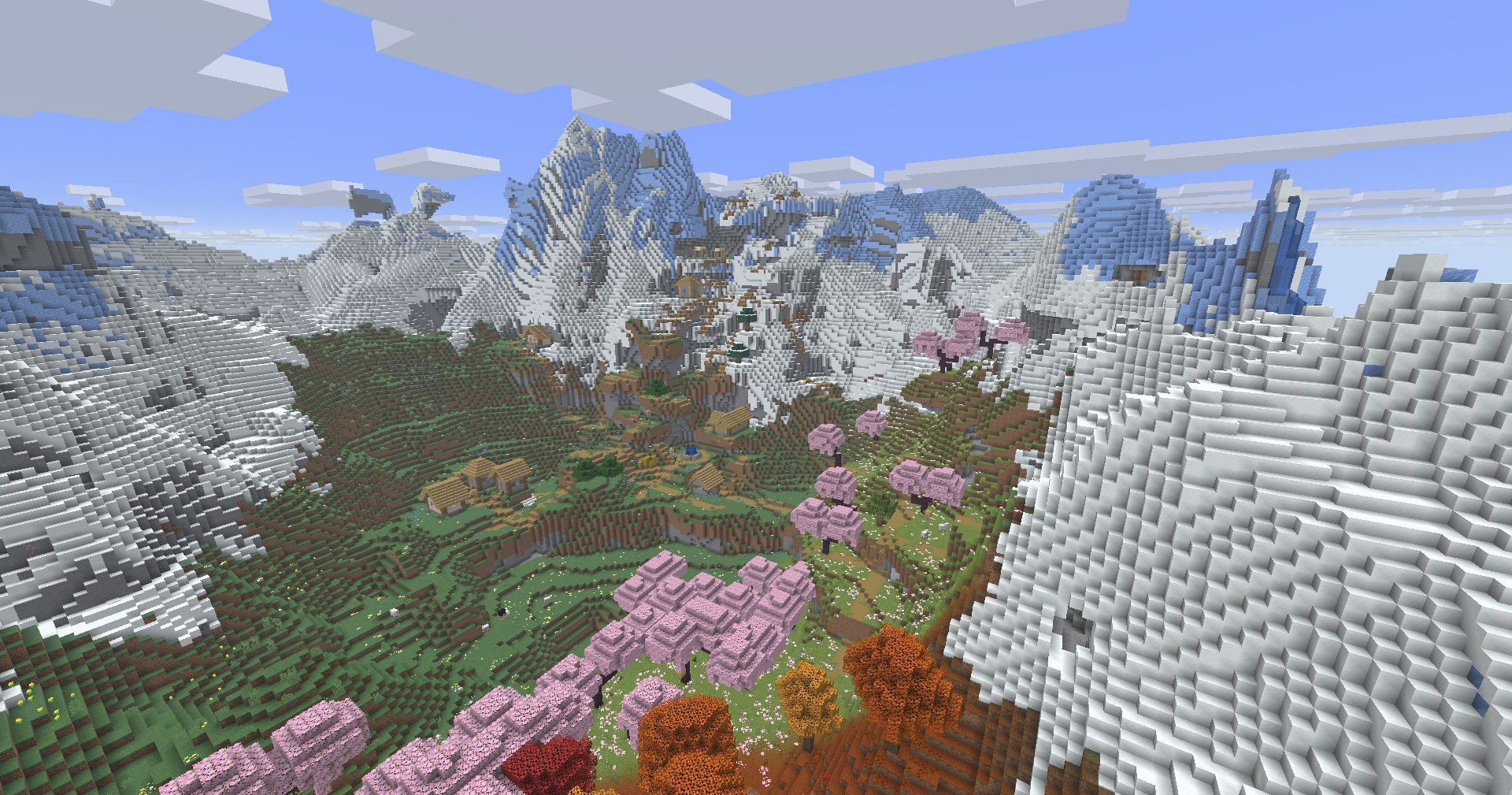
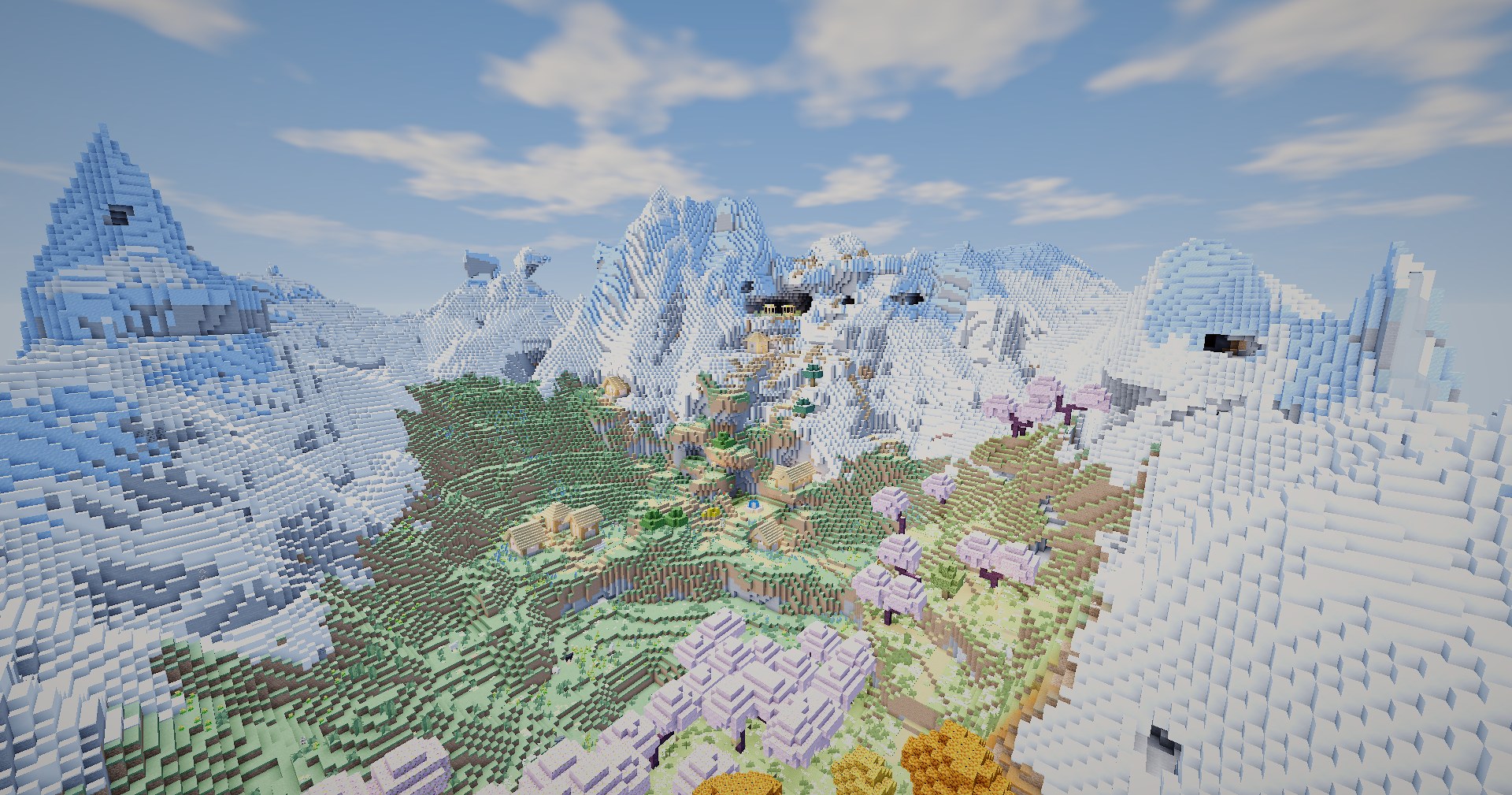
Discover the visual highlights that make the Crownlight Shader experience special.
Enjoy a custom blue sky and beautiful sunrise and sunset colours that bring a fresh atmosphere to your Minecraft adventures.
ATMOSPHEREExperience an ocean-inspired water aesthetic with wave effects and a clearer underwater look for oceans, rivers, and lakes.
WATER VISUALSMake ores stand out with vibrant colours in dark environments, helping cave exploration feel more colourful and distinctive.
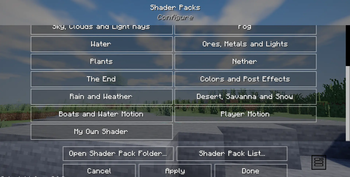
CAVE EXPLORATIONAccess available shader options through a customisation menu and tailor supported visual settings to suit your preferences and system.
CUSTOMISATIONPreview the shader in different times of day, worlds and settings.
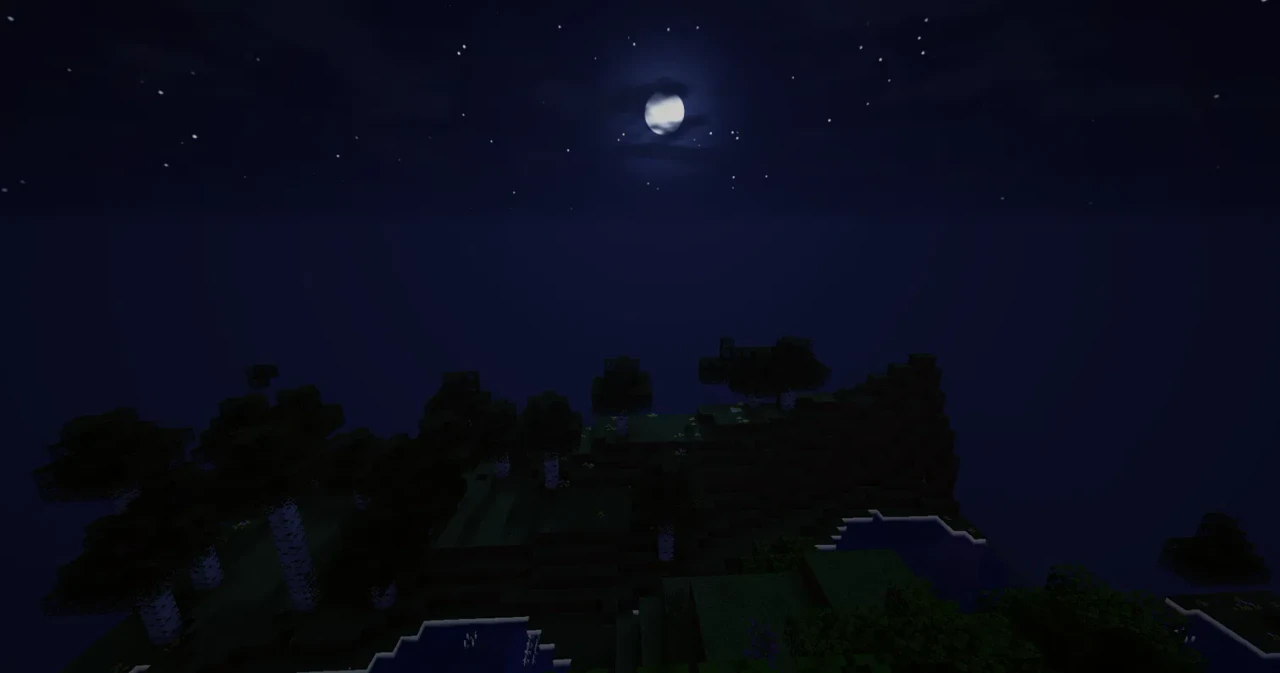
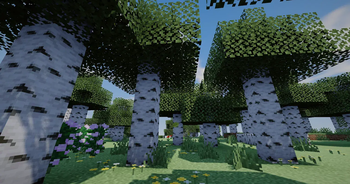
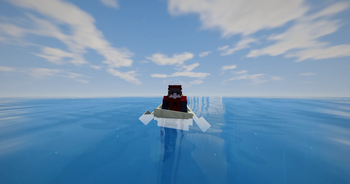
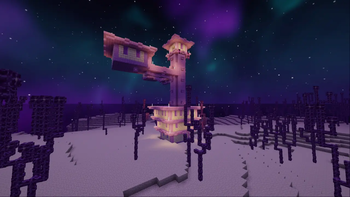
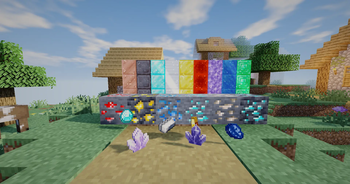
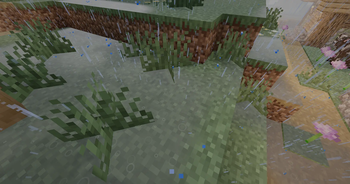
Pick a level to see the recommended hardware and expected FPS.
These are estimates for guidance, not measured results. Your FPS depends on your settings and Minecraft version.
Get the Crownlight Shaders ZIP for Minecraft Java.
Place the ZIP in your shaderpacks folder and select it in your shader settings. Do not unzip it unless your loader's instructions say otherwise.
Get Crownlight running in four steps.
Install Iris (with Fabric or NeoForge) or OptiFine for the same Minecraft version as the shader.
Use the Download ZIP button on this page. Keep the file zipped.
Open your .minecraft folder and place the ZIP inside the shaderpacks folder. Create the folder if it is missing.
In Minecraft go to Options, then Video Settings, then Shader Packs. Pick Crownlight and click Apply.
Check these before installing. Exact needs depend on your Minecraft version.
| Item | What you need |
|---|---|
| Game | Minecraft Java Edition |
| Shader loader | Iris (with Fabric or NeoForge) or OptiFine |
| Minecraft version | 1.21.4 to 26.4 (snapshots), tested with Iris and OptiFine |
| Java | The Java version your Minecraft version requires (for 1.21.x this is Java 21) |
| Graphics | A GPU with OpenGL 4.x support. Shaders are heavy, so a stronger GPU gives better FPS. |
What each setting does and how it affects FPS.
Shadow quality and distance. Lowering these is one of the biggest FPS gains.
How far the world is drawn. Lower it if the game stutters when you move quickly.
Wave and reflection effects look nice but cost performance. Turn them down on weaker PCs.
Volumetric clouds and fog are extra work for the GPU. Switch to simpler modes if FPS drops.
Pick your Minecraft version to see whether it has been tested.
Quick answers to the most common questions.
Yes. It has been tested with both Iris and OptiFine on Minecraft 1.21.4 to 26.4 (snapshots). Use the Compatibility Checker for a specific version.
Open the shader settings and lower shadow quality or render distance. Performance also depends on your PC and Minecraft version.
In the Shader Packs screen, select Crownlight and open its settings menu to change options such as shadows and effects.
Join the official Discord and include your Minecraft version, shader loader and device specs.
No. Crownlight is All Rights Reserved. Share the official page link instead, and ask King's Studio Official for written permission before redistributing.
What has changed in each release.
Made for Iris and OptiFine on Minecraft 1.21.4 to 26.4 (snapshots). Download the ZIP from the Download section above.
Find the project, explore releases, and connect with the Crownlight Shader community.
Visit the Crownlight Shader project page on Modrinth for available files, releases, and updates.
Visit Modrinth ↗Explore Crownlight Shader on CurseForge and check its available downloads and compatibility details.
Visit CurseForge ↗Join the Crownlight Shader community for announcements, discussions, project news, and support.
Join Official Discord ↗Check the relevant project page for supported versions, installation instructions, and available releases.
Official ownership and creator attribution for Crownlight Shader.
Crownlight Shader is presented as a King's Studio Official project led by SpiderbuildsX. Please use the official project pages when sharing this shader with other players.
Please respect the creator's rights and the rules governing this project's distribution.
Copyright © 2026 King's Studio Official. All rights reserved. Crownlight Shader and its original project materials are protected by applicable copyright laws.
No one is permitted to re-upload, redistribute, republish, modify, adapt, or claim ownership of Crownlight Shader or its protected materials without prior written permission from the rights holder, except where expressly permitted by applicable law.
Have any issues or bugs? Join our official Discord to report them. Include your Minecraft version, shader loader, device specifications, and a description of the issue to help us investigate it.
Report an Issue on Discord ↗Please check the project page for supported versions and known issues before reporting a problem.
 This site saves your theme and chat preferences in your browser, and Google Translate or YouTube may set cookies. See our Privacy and Terms.